
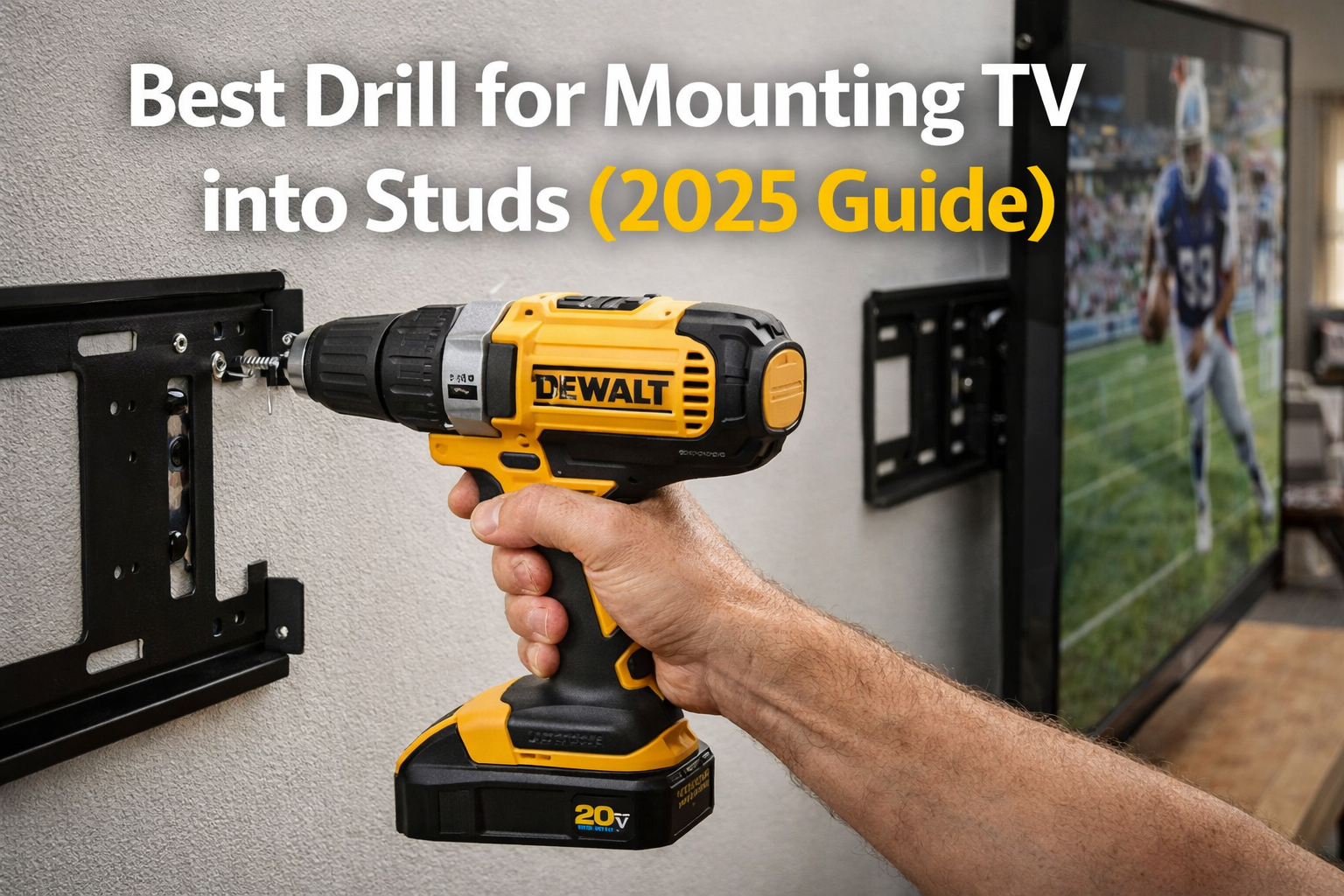
Mounting a TV on the wall sounds simple — until you actually try to drill into a stud.
A lot of homeowners go into this project thinking it’s just a few screws and a bracket. But once you start drilling, things can go wrong quickly. The drill struggles. The bit slips. The screws don’t go in straight. Or worse — the bracket feels loose even after tightening everything.
And that’s exactly where most people make a mistake.
They underestimate how important it is to use the best drill for mounting TV into studs.
This isn’t the same as hanging a picture frame or installing a curtain rod. When you’re mounting a TV, you’re dealing with real weight. A 50–70 inch TV can easily weigh over 30–60 pounds, and all that weight depends on just a few lag bolts anchored into studs.
If those bolts are not installed properly, the entire setup becomes unsafe.
That’s why choosing the right drill matters.
A proper drill gives you:
- consistent torque to drive lag bolts
- control to avoid stripping screws
- enough power to drill clean pilot holes
- stability when working at shoulder height
In this guide, we’ll walk you through the best drills for mounting TVs, what actually matters in real-world use, and how to avoid the most common mistakes homeowners make.
ℹ️ This article contains affiliate links. If you purchase through them, we may earn a small commission at no extra cost to you.
Quick Recommendation
Why Mounting a TV is Harder Than It Looks
Studs are solid wood beams hidden behind drywall.
They are strong — but they’re also dense.
That means:
- you can’t just “push a screw in”
- you need to drill pilot holes
- you need torque to drive lag bolts
And here’s the biggest issue:
👉 Too much power = damaged wood
👉 Too little power = incomplete install
That balance is why you need the best drill for mounting TV into studs — not just any drill.
If you’re unsure about general drill options, check our full guide to the best cordless drill.
What Actually Matters in a Drill for This Job
1. Torque (Real Power, Not Marketing Numbers)
Mounting a TV means driving lag bolts into wood studs.
That requires:
- steady torque
- consistent pressure
- no stalling
A weak drill will struggle and overheat.
2. Clutch Control
You don’t want to overtighten.
Overdriving lag bolts can:
- damage studs
- weaken the hold
- strip screws
A good clutch prevents that.
3. Two-Speed Gearbox
You need:
- low speed → driving bolts
- high speed → drilling pilot holes
4. Ergonomics
You’ll likely be:
- drilling at chest height
- holding the drill steady
- aligning brackets
A heavy or awkward drill makes this much harder.
If you’re new to tools, you should also read our guide to the best cordless drill for beginners.
Best Drills for Mounting TV into Studs
1. DEWALT DCD791B — Best Overall for Mounting TVs into Studs
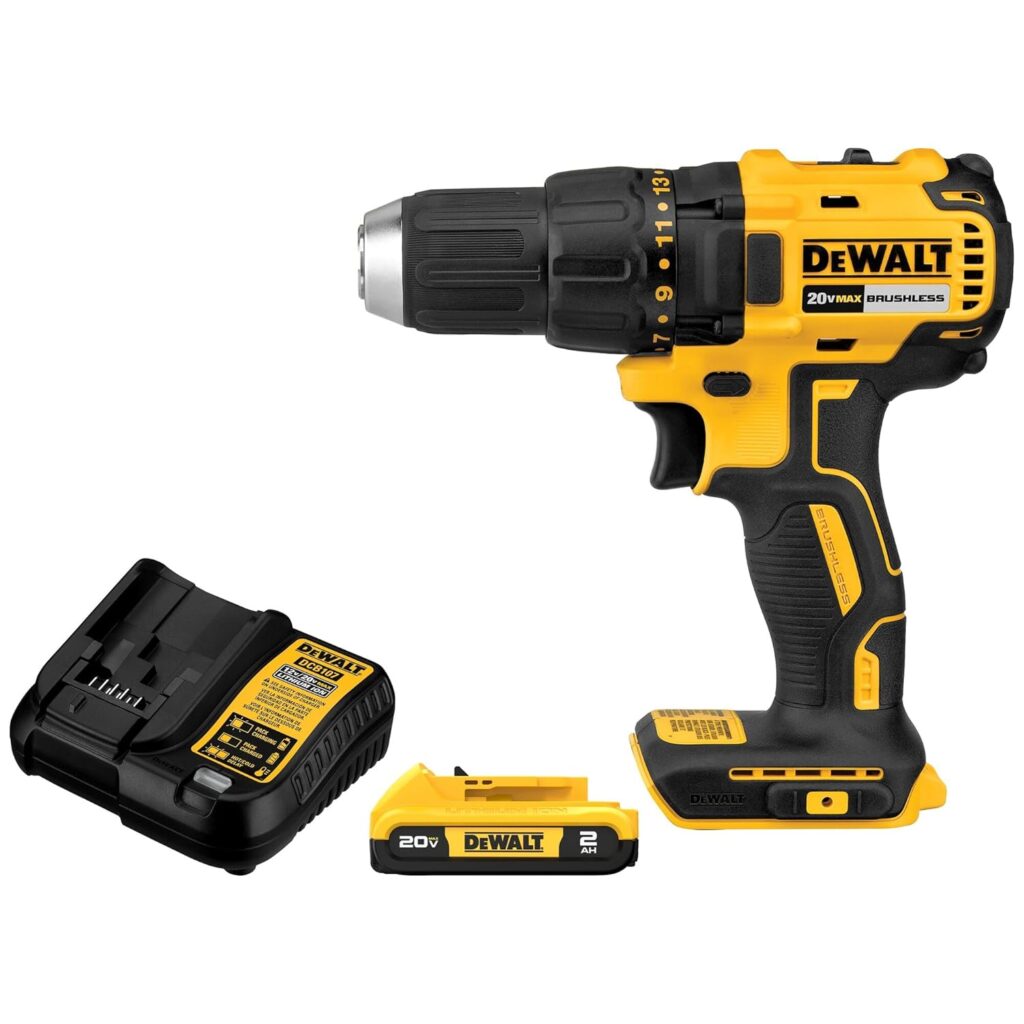
If you want a drill that just gets the job done without second guessing, this is it.
When you’re mounting a TV, especially a large one, the most stressful part is driving lag bolts into studs. You need steady power, not just raw speed. The DEWALT DCD791B handles this extremely well.
What stands out immediately is how controlled it feels. Even when driving long lag bolts, the drill doesn’t jerk or feel unstable. That matters a lot when you’re holding a bracket in place and trying to keep everything aligned.
The brushless motor delivers consistent torque, which means:
- smoother drilling
- less strain on your wrist
- more precise control
In real use, this drill feels confident. You don’t have to push it hard or fight with it.
If you’re mounting multiple TVs or planning more home projects, this is the kind of tool that quickly pays for itself.
Best for:
- mounting TVs into studs
- installing heavy shelves
- long-term home use
Not ideal if:
- you only need a drill for one small project
If you’re planning to install more than just a TV, this drill will handle most home projects without needing an upgrade.
2. Makita XFD131 — Best for Smooth, Controlled Drilling
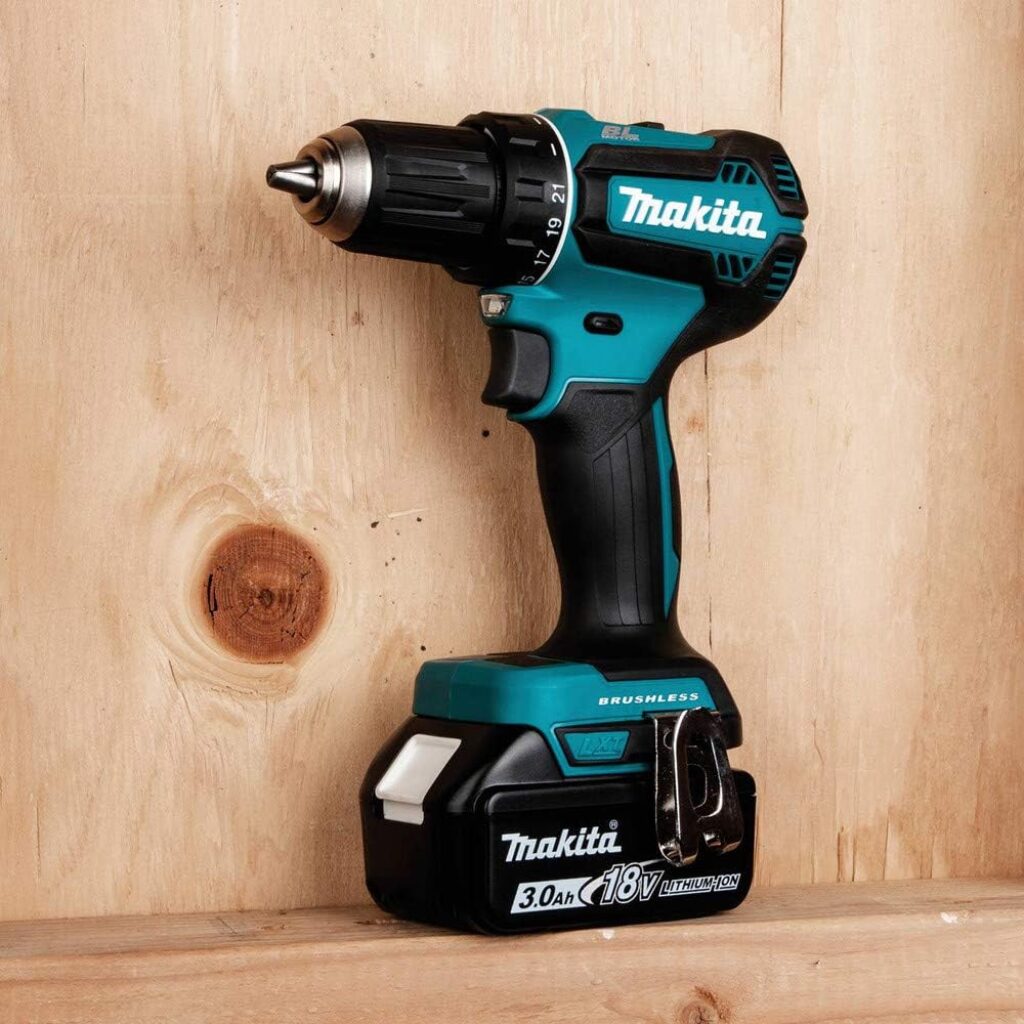
Some drills feel aggressive. This one feels precise.
If you’re the type of person who prefers control over raw power, the Makita XFD131 is a great choice. It’s especially helpful when you’re trying to keep your drill steady while aligning mounting brackets.
The biggest advantage here is smoothness.
You’ll notice:
- less vibration
- softer startup
- better control when drilling pilot holes
This makes a big difference for beginners or anyone nervous about drilling into studs.
It still has enough power to drive lag bolts, but it doesn’t feel overwhelming.
Best for:
- first-time installers
- precise alignment work
- controlled drilling
Not ideal if:
- you want maximum torque for heavy-duty projects
3. DEWALT DCD771C2 — Best Value for Homeowners
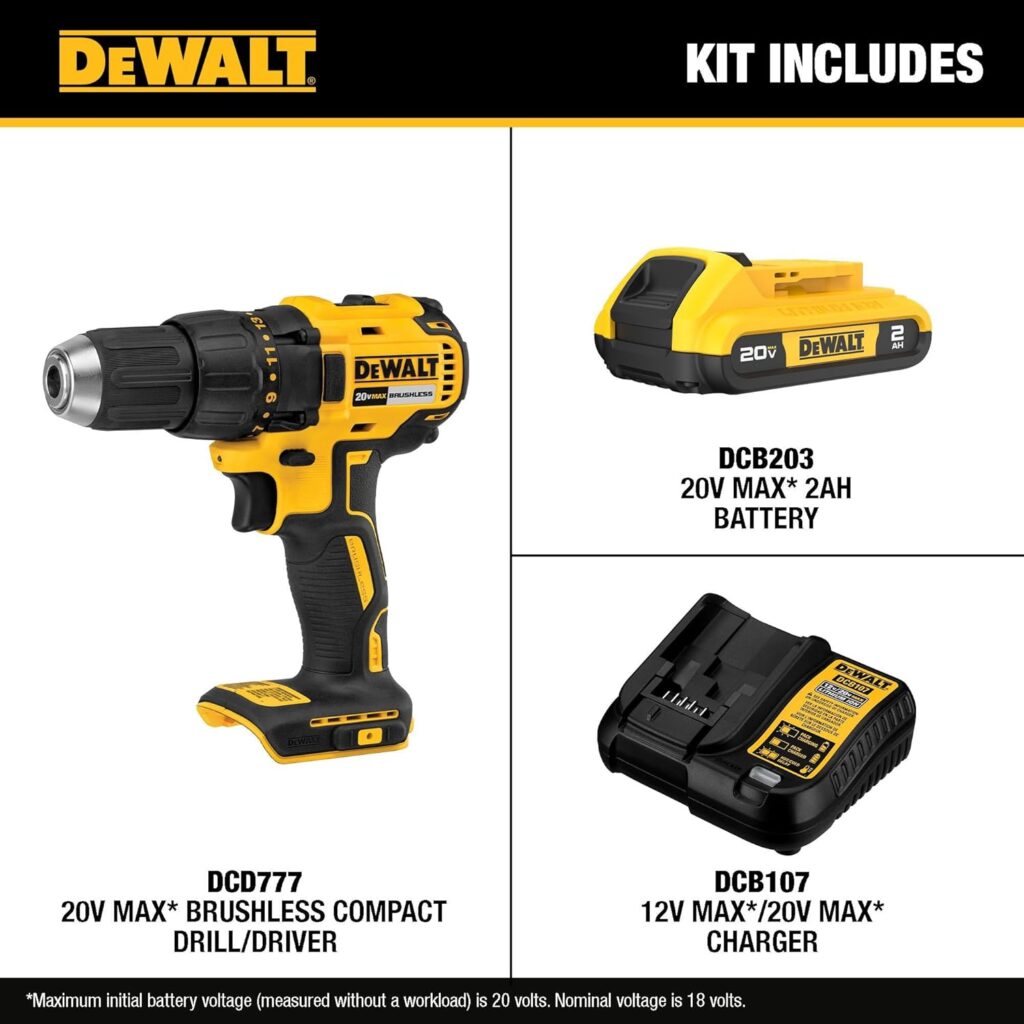
If you’re trying to stay under budget but still want something reliable, this is one of the safest options.
This drill doesn’t feel as refined as the DCD791B, but it still delivers enough power to handle TV mounting without major issues.
The biggest advantage here is simplicity.
It’s:
- easy to use
- not overly aggressive
- beginner-friendly
You won’t get the same smooth performance as higher-end models, but for occasional projects, it does the job well.
If you’re only mounting one TV and doing light home work, you probably don’t need more than this.
Best for:
- budget-conscious buyers
- occasional DIY projects
Not ideal if:
- you plan to use it frequently
4. RYOBI ONE+ HP — Best Budget Ecosystem Choice
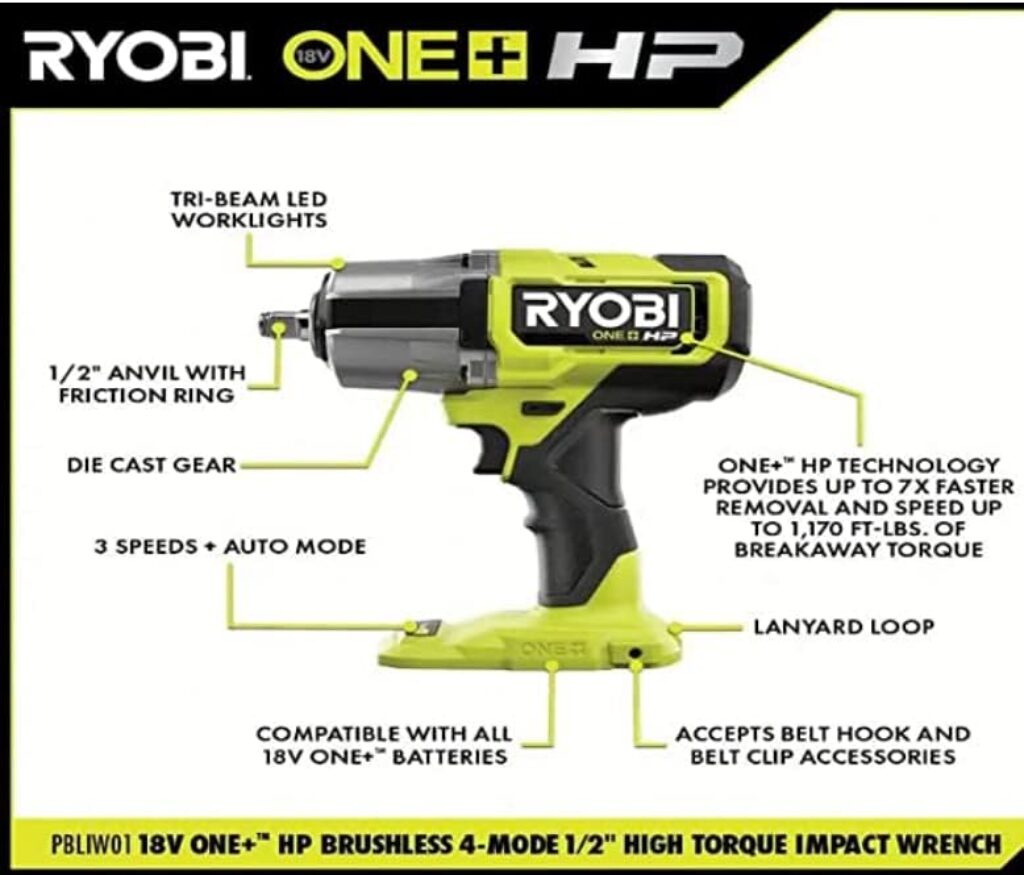
This drill is less about performance and more about flexibility.
Ryobi’s biggest strength is its battery system. If you plan to build a tool collection over time, this can be a smart starting point.
In terms of performance, it’s good — but not exceptional.
It can handle mounting a TV, but you may feel:
- slightly less torque
- more effort required
- less refined control
Still, for the price, it’s a solid option.
Best for:
- users building a tool ecosystem
- budget DIYers
Not ideal if:
- you want premium performance
Step-by-Step: How to Mount a TV Safely
- Use a stud finder
- Mark your bracket holes
- Drill pilot holes
- Drive lag bolts slowly
- Check alignment
According to Family Handyman, drilling pilot holes is essential to avoid splitting wood and ensure a secure mount.
Common Mistakes (This Is Where Most People Fail)
❌ Skipping pilot holes
→ screws won’t go in straight
❌ Using a weak drill
→ stalls mid-install
❌ Over-tightening
→ damages stud
❌ Using impact driver
→ too aggressive
Drill vs Impact Driver
This is where many people mess up.
Impact drivers are:
- powerful
- fast
- aggressive
But for TV mounting?
👉 Too risky.
Use a drill for control.
Learn more in cordless drill vs impact driver.
- best cordless drill
- best cordless drill under $150
- best drill for DIY projects
- best drill for furniture assembly
FAQ
What is the best drill for mounting a TV into studs?
The best drill is one that provides enough torque to drive lag bolts while maintaining control. Most homeowners should choose an 18V–20V cordless drill.
Can I mount a TV with a small 12V drill?
You can, but it’s not ideal. A larger drill will handle the job more easily and safely.
Do I need a hammer drill?
No. Studs are wood, not concrete.
Can I use an impact driver?
It’s not recommended. It can overdrive bolts and damage studs.
What size drill bit should I use?
Use a pilot bit slightly smaller than the lag bolt diameter.
How deep should pilot holes be?
Deep enough to match the screw length.
Final Verdict
If you’re mounting a TV, don’t take shortcuts.
This is not the place to use a weak or low-quality tool.
The best drill for mounting TV into studs is one that gives you confidence — not just power.
For most homeowners:
👉 DEWALT DCD791B is the safest and most reliable choice
It handles:
- pilot holes
- lag bolts
- heavy installs
without struggling.
If you want something more budget-friendly, the DEWALT DCD771C2 is still a solid option.
But if you only want to buy one drill and be done with it?
👉 Go with the DCD791B.
It’s the kind of tool that makes projects easier — not harder.
If you want a drill that makes mounting your TV safe, fast, and stress-free, these are the best choices right now.